
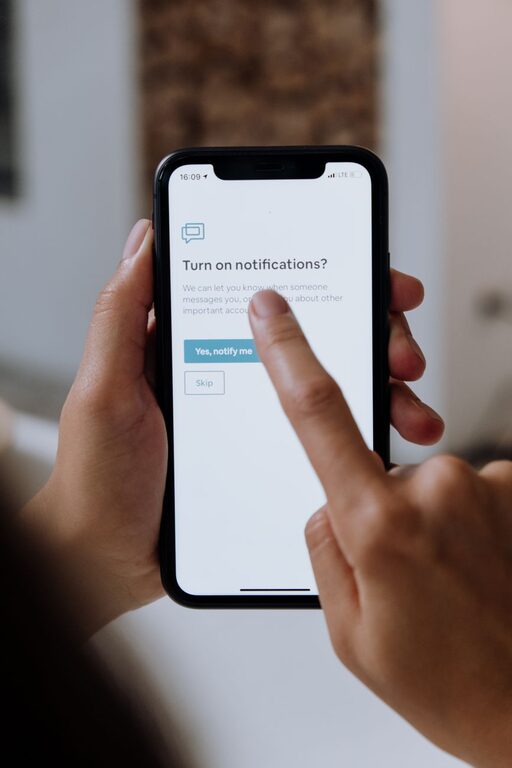
In today’s digital world, notifications are everywhere—popping up on smartphones, computers, and tablets all day long. While these alerts can be helpful reminders, they often become a source of distraction and stress. Setting healthy boundaries with notifications is essential for maintaining focus, reducing anxiety, and improving your overall well-being.
In this post, we’ll explore actionable tips to help you take control of your notifications and create a more balanced digital environment.
Why Setting Boundaries with Notifications Matters
Notifications are designed to grab your attention quickly, but constant interruptions can negatively affect your productivity and mental health. Here’s why it’s important to manage them:
– Improved Focus: Frequent alerts break your concentration and make it harder to complete tasks.
– Reduced Stress: Constant notifications can lead to feelings of overwhelm and anxiety.
– Better Time Management: By controlling when and how you receive alerts, you can dedicate uninterrupted blocks of time to important activities.
– Work-Life Balance: Setting limits prevents work notifications from invading personal time.
With these benefits in mind, let’s dive into how to set boundaries that work for you.
Step 1: Audit Your Current Notifications
Before making changes, it helps to understand which apps and devices are sending you notifications.
– Review Notification Settings: Go through each device and app to see the types of notifications you receive.
– Identify Unnecessary Alerts: Mark which notifications you rarely find useful or that cause frequent distractions.
– Check Frequency: Note how often you get alerts throughout the day.
This audit provides a clear picture of what needs adjustment.
Step 2: Customize Notification Settings
Most smartphones and computers allow detailed customization of notifications.
– Turn Off Non-Essential Notifications: Disable alerts from apps that aren’t critical for your daily routine.
– Use “Do Not Disturb” Modes: Set time periods when notifications are silenced, such as during meetings, work hours, or before bedtime.
– Prioritize Important Contacts: Allow notifications only from family, close friends, or key work contacts.
– Set Notification Styles: Use subtle banners or badges instead of loud sounds or vibrations.
These simple tweaks reduce the noise and let you focus on what matters.
Step 3: Establish Notification-Free Zones and Times
Creating boundaries around when and where you see notifications can improve your focus and relaxation.
– Designate Tech-Free Spaces: Keep devices outside the bedroom or dining area to promote better sleep and family time.
– Schedule Notification Breaks: Allocate specific times during the day to check your notifications rather than responding immediately.
– Use Focus Modes: Many devices offer modes that filter notifications based on your activity, such as working or sleeping.
Over time, these habits help minimize distractions and support a healthier relationship with technology.
Step 4: Use Apps and Tools to Manage Notifications
Several apps and built-in features can help you control notifications effectively.
– Focus Assist (Windows) / Focus Mode (macOS): Temporarily blocks notifications while you work.
– Notification Summary (iOS): Bundles non-urgent notifications to be delivered at specific times.
– Third-Party Apps: Tools like Forest, Freedom, or StayFocusd limit distractions by blocking apps or alerts during focused sessions.
Experiment with tools that fit your lifestyle and needs.
Step 5: Communicate Your Boundaries
Letting others know about your notification preferences encourages respect for your time and focus.
– Inform Colleagues: Share when you’re available and when you prefer not to be disturbed.
– Set Expectations with Family: Explain your tech-free times to avoid misunderstandings.
– Use “Away” Messages: Automatic replies can signal that you’re offline or unavailable.
Clear communication helps build supportive environments around your boundaries.
Step 6: Review and Adjust Regularly
Your notification needs may change over time, so periodic reviews help keep your settings effective.
– Monthly Check-Ins: Spend a few minutes assessing if your notification setup is working.
– Adjust as Needed: Add or remove apps, tweak quiet hours, and try new tools.
– Reflect on Impact: Notice if you feel less distracted and more in control.
Being flexible ensures your boundaries remain helpful and realistic.
Final Thoughts
Setting boundaries with notifications is a key step toward creating a balanced and focused digital life. By auditing your alerts, customizing settings, creating notification-free times, using helpful tools, communicating with others, and regularly reviewing your approach, you can regain control and reduce digital overwhelm.
Start small and be patient—you’ll find that even minor changes make a big difference in your daily focus and overall happiness.